
22 October 2026 · 3 min read
Break down any video frame by frame, and check yours before posting
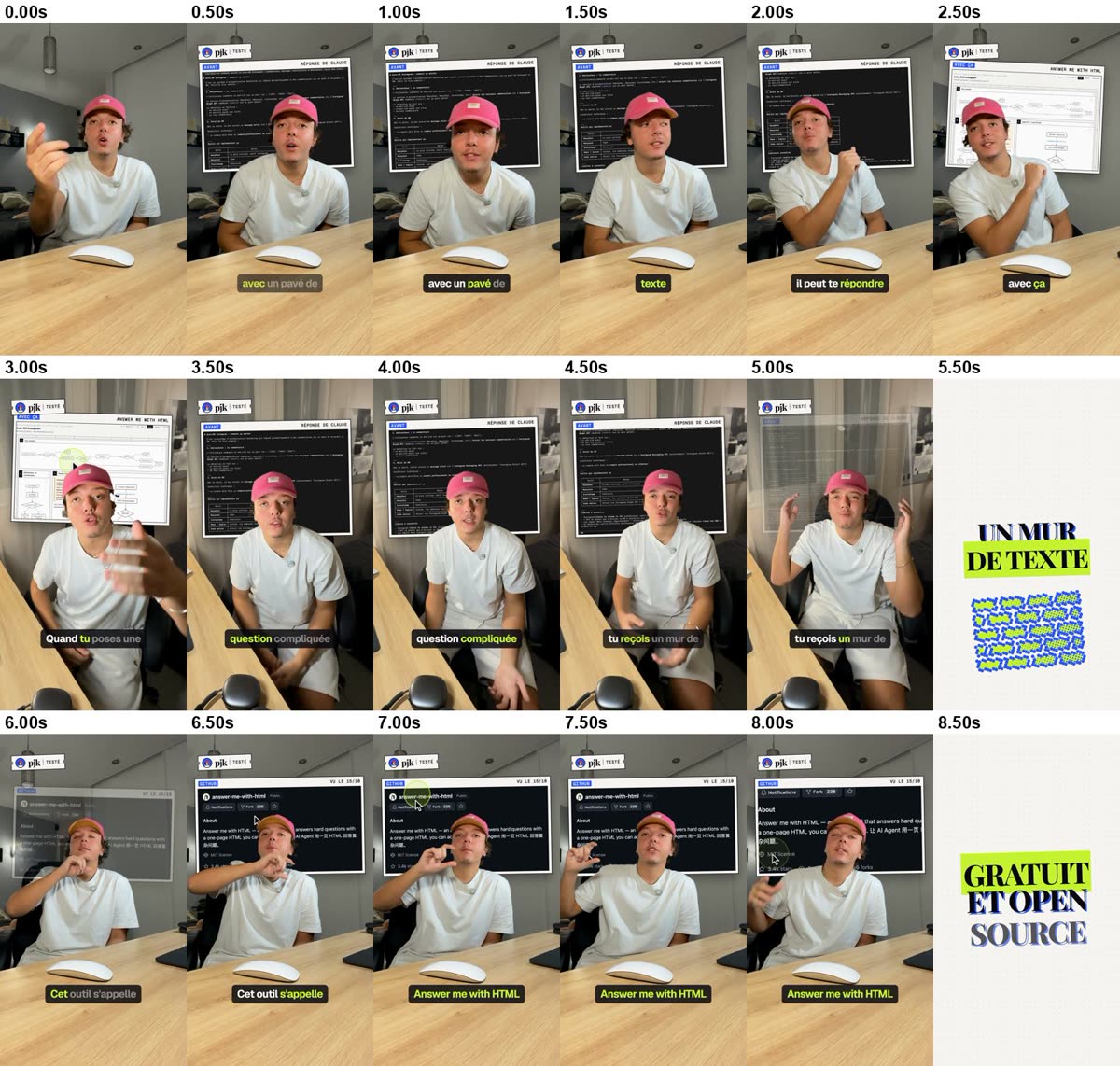
video-check is a free skill for Claude Code. It breaks down any vertical video frame by frame (hook, cuts, pacing, captions) and checks yours before you post: text hidden by the buttons, silence at the start, sound, colours. Copy this message, paste it into Claude Code, and it installs everything.


The prompt
Paste it into Claude Code (in the terminal, or in the Claude app, Code tab). Claude will ask you to allow each command: read it, then allow it.
Install the video-check skill on my Mac (https://github.com/pjksens/video-check). Do every step yourself, in order. If a step fails, stop and tell me why.

1. Check that I'm on macOS (`sw_vers -productVersion`). If not, stop: this skill only works on a Mac.
2. Download the skill: `git clone https://github.com/pjksens/video-check ~/.claude/skills/video-check` (if it's already there, update it with `git -C ~/.claude/skills/video-check pull`).
3. Run `bash ~/.claude/skills/video-check/install.sh`. If it asks for Apple's tools (`xcode-select --install`) or Homebrew, tell me exactly what to do, wait until I say "done", then run it again.
4. Check that everything works: `~/.claude/skills/video-check/.venv/bin/python ~/.claude/skills/video-check/scripts/controle.py --help` must print the help.
5. Finally, tell me in 3 lines the 2 sentences to say to you: "analyse this video: <file>" and "check my video before I post it: <file>", and that I should restart Claude Code if the skill doesn't show up yet.
6. Last, ask me if I want to star the GitHub repo. Only if I say yes: if `gh auth status` shows a logged-in account, run `gh api -X PUT /user/starred/pjksens/video-check`; otherwise, give me the link https://github.com/pjksens/video-check.
What Claude does for you
- 1.Checks that you are on a Mac, then downloads the skill into Claude Code’s skills folder.
- 2.Installs what it needs: ffmpeg (if missing), a separate Python environment, Apple’s text recognition and Whisper for speech (about 460 MB, once).
- 3.Checks that everything works, then tells you the 2 sentences to say.
What’s left for you
1.If macOS asks
Install Apple’s tools (a window opens, a few minutes), then tell Claude "done".
xcode-select --install
2.Analyse a video
The video must be on your Mac: the skill doesn’t download anything. Then tell Claude:
Analyse this video: ~/Downloads/reel.mp4
3.Check yours
Right before posting:
Check my video before I post it: ~/Movies/my-video.mp4
Frequently asked questions
How much does it cost?+
video-check is free and open source (MIT licence). Claude Code needs a paid Claude plan (Pro at least).
Which computer?+
Mac only: reading on-screen text uses Apple’s text recognition.
Does my video go online?+
No: the measurements (cuts, on-screen text, speech, loudness) run on your Mac. Claude then looks at the contact sheets and the report to answer you: those images go through Anthropic, like any image you show Claude.
Will it tell me if my video will get views?+
No. It measures and flags specific problems (text hidden by the buttons, silence at the start, low sound, a long stretch with no change…). It doesn’t judge your idea.
Can I analyse another creator’s video?+
Yes, if you have the file: to understand how it’s edited and learn from it, not to repost it.
How long does it take?+
About 1 minute to check a 40-second video, 2 minutes to analyse it frame by frame in 4K.
Is video-check useful to you? A star helps other creators find it.
A question? Ask in the comments under the video, or open an issue on GitHub.